B Meters LoRaWAN Integration with a White-Label Client Portal
Already running B Meters LoRaWAN water meters? Datakubo connects to them and turns the readings into a clean, branded portal your Communities and Residents can actually use — live consumption, full history, and configurable anomaly alerts.
Datakubo runs alongside B Metering Cloud: it complements it, it does not replace it. Keep B Metering Cloud for what it does best, and add the white-label, resident-facing layer on top.
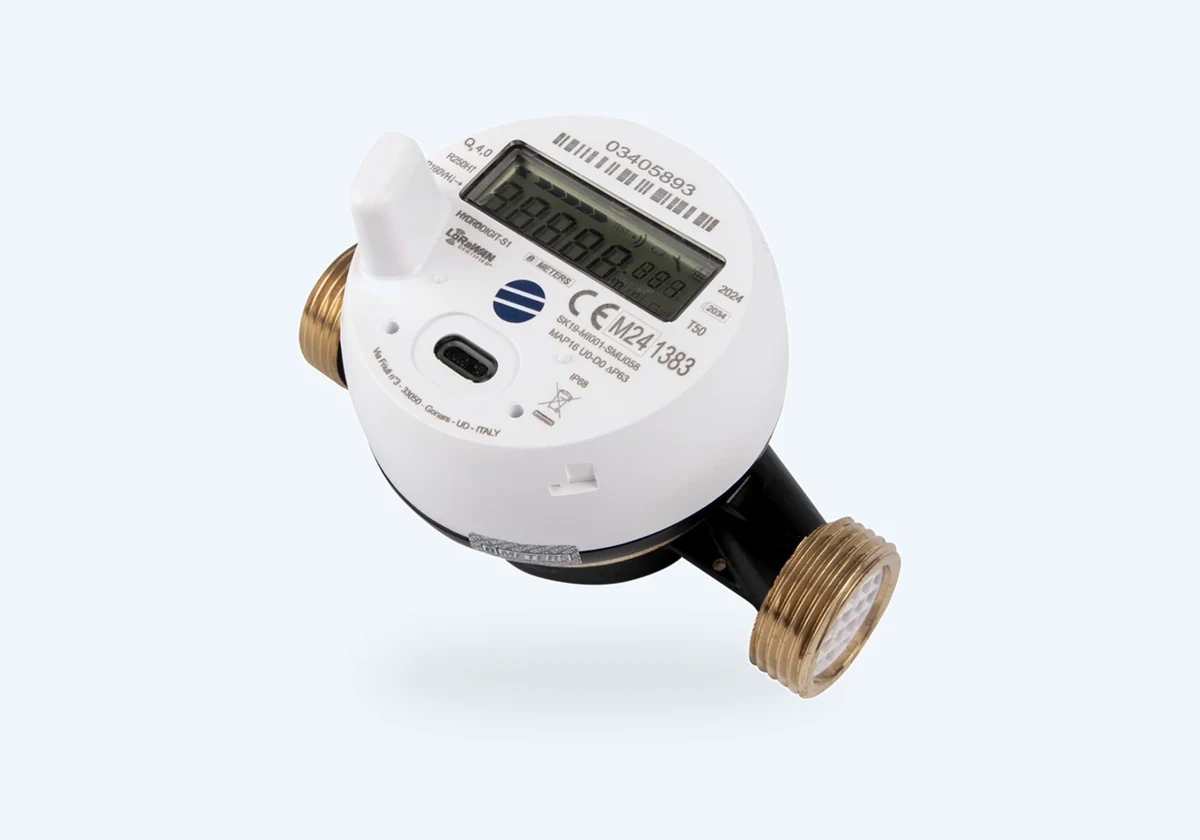
Datakubo complements B Metering Cloud — it does not replace it
B Metering Cloud is where B Meters handles the metrology side: collecting meter reads, managing the meter fleet, and exporting data for billing. Datakubo does not touch that. Instead, it sits on top of the same LoRaWAN meters and adds what installers ask for most — a white-label Community and Resident portal, live monitoring, configurable anomaly detection, and per-Resident access. You keep B Metering Cloud for meter management and billing exports; you add Datakubo for the branded, resident-facing experience. The two run side by side.
Supported B Meters models
- Hydrodigit-S1 LoRaWAN: documented integration, with Datakubo’s own decoder
- GSD8-RFM and GMDX-RFM LoRaWAN: compatible, with the manufacturer’s decoder loaded on your network server
- Other B Meters LoRaWAN meters that report through ChirpStack or The Things Network, with their decoder
- Mixed fleets — B Meters units alongside other LoRaWAN brands in the same portal
How to connect your B Meters fleet
Create your account and copy the API key
Sign up at app.datakubo.com/signup (30-day trial, no card). In the dashboard, Settings → API Key shows your organisation’s X-API-Key. It is shown once: keep it safe.
Add Datakubo as a second integration
Your B Meters meters already report through The Things Network or ChirpStack. Add a webhook (TTN) or an HTTP integration (ChirpStack) to https://api.datakubo.com/api/v1/ingest/water-consumption with the X-API-Key header. Readings flow to both B Metering Cloud and Datakubo at the same time.
Check the decoder field names
Datakubo reads the volume from cumulativeFlowM3 (on TTN, B Meters’ water field works too) and alarms from alarm_* fields. Paste a sample webhook into the payload checker and it tells you if anything is missing. Details in the webhook format.
Check the meters in Devices
Each meter appears on its own with its first uplink, with no registration form. Compare the reading with the meter’s display and give it a name people recognise.
Assign and invite Residents
Create the Community in Customers, assign each meter to its home in Devices, add your logo and colours in Settings, and invite the management and every Resident by email. They see only their own consumption and alerts — under your brand, not Datakubo’s.
What your Communities and Residents see
Once a meter is assigned, the Community manager sees every meter in the building — daily and monthly consumption, per-meter history, and any open alerts. Each Resident gets a private view of their own consumption and trends, plus a heads-up when something looks off, like continuous flow that points to a possible leak. No spreadsheets, no manual reads, and nothing technical to learn.
Why run B Metering Cloud and Datakubo together
B Metering Cloud is built for the metrology side: reliable meter reading, fleet management, and billing-grade exports. Datakubo is built for everyone who is not a meter engineer — the Community manager who needs an overview and the Resident who just wants to see their own usage. Keeping both means you give nothing up. B Metering Cloud stays your source of truth for meter data and billing; Datakubo adds the white-label portal, live monitoring, configurable anomaly detection, and per-Resident access on top. Datakubo complements B Metering Cloud — it never replaces it.
Wondering whether B Metering Cloud alone is enough, or if you need a branded layer on top? Compare Datakubo and B Metering Cloud